

Have you heard of Pinterest? If you haven’t then where have you been? Pinterest is an online sharing platform where you can ‘pin’ pictures, stats, graphs, anything really to your own mood board and create beautiful feeds for others to follow. For bloggers and the like, it adds another string to our bow on how to circulate our content and can really help drive traffic. As one of the most used social media platforms (250 million views a month – google stats!) it is definitely one not to be missed when it comes to creating and distributing your work.
Pinterest boards can be used for recipe cards, outfit inspiration, home inspiration, architectural advice, DIY hacks and so much more. There really is no limit to what you can achieve with it so it’s worth worth investing a little time in. So how does this relate to me? Well, I’ve used Pinterest actively for roughly a year, not nearly long enough to see a bit return you’d think? However, in this time I’ve ranged from 10k – 33k views a month (the most growth I’ve had on any platforms). It’s also improved my stats on my blog, with me now receiving traffic directly from Pinterest monthly.
So how do you make a Pinterest Graphic?
You can find go-to templates on the likes of Canva, or you can get super original and make them on Crello and upload your own font using a free font download. Simply open up Crello on your browser, create a free account. Then head to designs to pull up a template. Once you’ve found one you like, you can then go to fonts ‘upload a font’ and drag in your free fonts downloaded. It doesn’t hurt to have a signature font after-all does it? Create an easy go to outfit shot, layer on some font and boom you’ve got a graphic. Link it through to your relevant instagram post/blog post and you can tailor your traffic. Here’s an example:
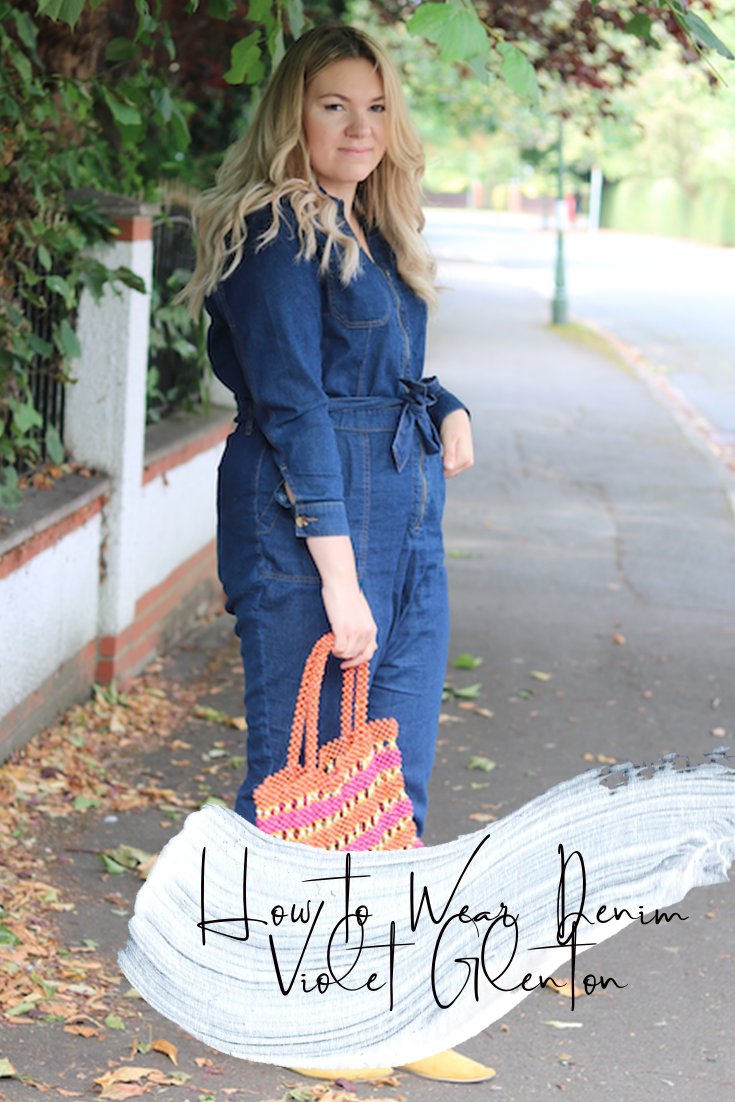
Once you have your image made up it’s fairly easy to share to Pinterest by installing a ‘Pin’ button to your browser or sharing via a url onto your Pinterest.
Here are 4 other examples of Pinterest Graphics you can make to help you get started.

The above is one that is perfect for art pattern collectors like myself. I have a mood board dedicated to prints, patterns and anything that I find aesthetically pleasing.
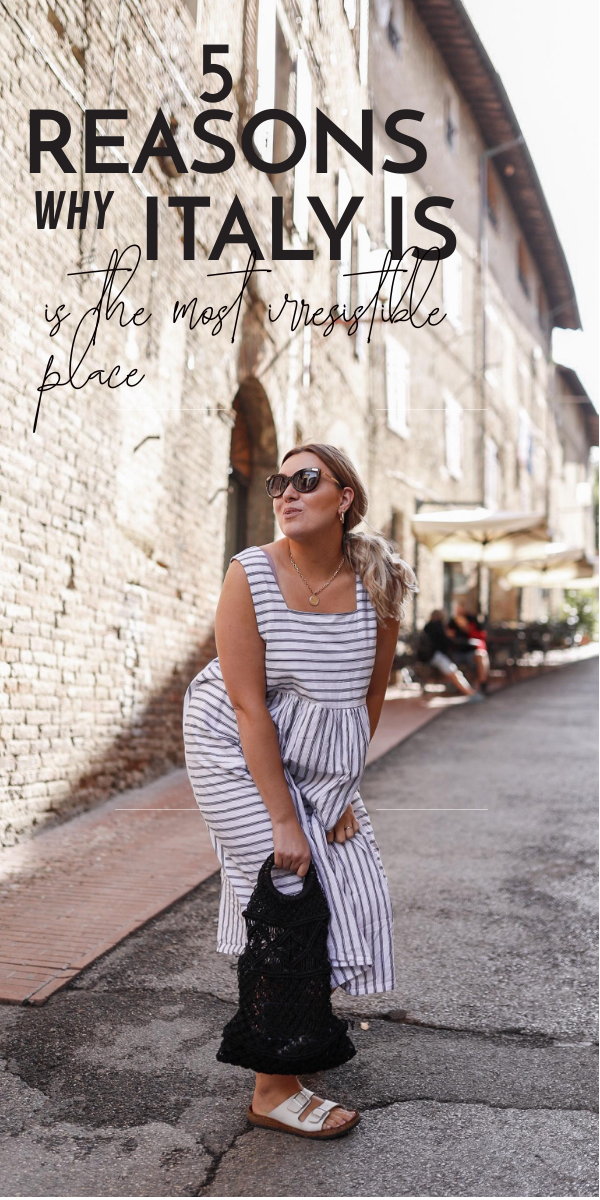


As with many things in life, and what you can probably see from my above… sometimes the best Pinterest graphics are the most simple. Focusing on the imagery and text. However, Pinterest designing is completely personal so it’s best to go have fun with it and see what you come up with!
So in conclusion, you should give Pinterest a go! You can use my easy go to tips above if you wanna create your own Pinterest Graphics, or you can get creative on varying softwares or even through using word!
Violet x
This post is a collaboration but all words, opinions and advice on creating a Pinterest graphic are my own.
Leave a Reply